
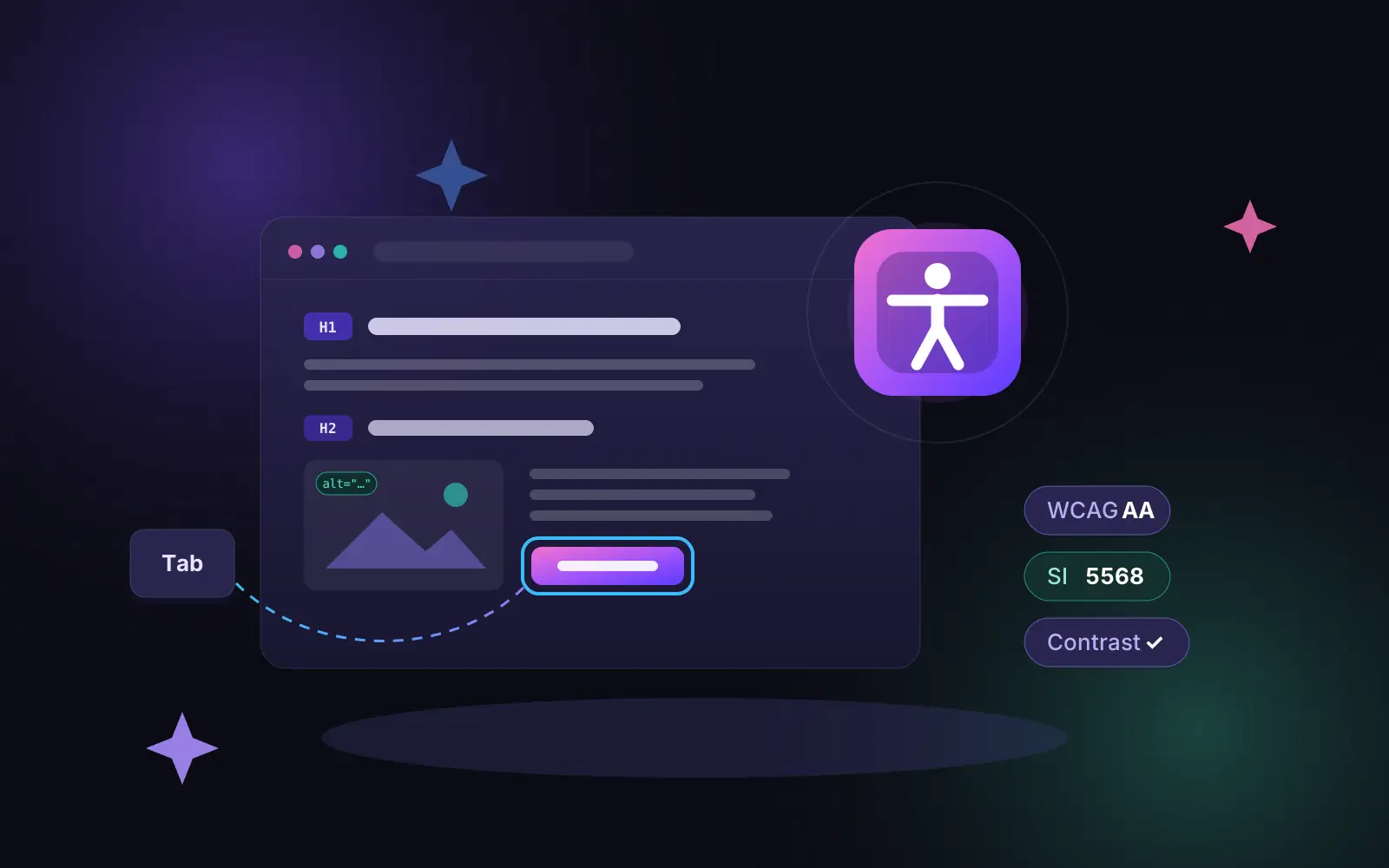
Website accessibility is a legal requirement in Israel, not a nice-to-have. Any website or app that serves the public — a business site, an online store, a landing page or a booking system — must meet the Israeli Standard SI 5568, which is based on the international WCAG guidelines. A site that falls short can be sued for up to ₪50,000 without the claimant having to prove any damage. In the European Union, the European Accessibility Act has applied to online stores and many digital services since June 2025.
In this article we explain in plain language what the Israeli law requires, who it applies to, why an accessibility plugin on its own doesn’t make a site accessible, and how to build a site that meets the standard from the ground up — the way we build every project, including this site.
What website accessibility means and why it matters
An accessible website is one that everyone can use: a blind person browsing with a screen reader, someone with a motor disability who uses only a keyboard, a person with low vision who zooms text to 200%, someone with colour blindness, or an older visitor who struggles to tap small buttons on a phone.
More than a million people in Israel live with a disability, and many more have age-related difficulties with sight, hearing or fine motor control. When a site isn’t accessible, they simply can’t book, buy or get in touch — so they go to a competitor.
There’s also a benefit that gets less attention: what’s good for accessibility is good for SEO. Clear headings, alternative text for images, descriptive links and semantic code help Google understand a site just as they help a screen reader.
What Israeli law requires: the law, the regulations and the standard
The requirement comes in three layers:
- The Equal Rights for Persons with Disabilities Law — a person with a disability is entitled to receive a service like anyone else.
- The Equal Rights for Persons with Disabilities (Accessibility Adjustments for Service) Regulations, 2013 — in particular Regulation 35, which applies the duty to internet services: websites and apps.
- Israeli Standard SI 5568 — the technical standard. Part 1 adopts the W3C WCAG guidelines at level AA. Part 2 covers accessible digital documents such as PDFs.
In practice, a site has to meet dozens of technical criteria: colour contrast, full keyboard navigation, alternative text, a logical heading structure, labelled forms, captions for video, text that can be enlarged, and more. WCAG keeps evolving (the current version is 2.2), so we build to WCAG 2.2 level AA — that meets the Israeli standard and the European requirements, and prepares the site for what comes next.
Who has to comply
The duty applies to anyone who operates a website or app that provides a service, or information about a service, to the public in Israel — even if the site itself isn’t Israeli. That includes companies, small businesses, non-profits, public bodies and B2B services.
Importantly, the responsibility lies with the site owner, not the developer who built it. If you receive a demand letter, it is addressed to you — even if your web agency promised that “everything is accessible”.
Who is exempt
There are a few exemptions, and they are narrower than many people think (per Kol-Zchut):
- Exempt dealers (osek patur) — automatically exempt.
- Average annual turnover up to ₪120,000 — a temporary three-year exemption that renews while turnover stays below the threshold.
- Turnover between ₪120,000 and ₪1 million — exemption only for older sites launched before 26 October 2017. A new site must be accessible.
- Over ₪1 million — no automatic exemption.
- Closed sites that require registration and have no more than 500 registered users — exempt.
In other words, almost every active business building a new site today has to build it accessible.
What happens if a site isn’t accessible
- Civil lawsuit — compensation of up to ₪50,000 without proof of damage. This is the main driver behind the wave of demand letters and lawsuits against small and mid-sized businesses.
- Class action — possible, with much higher amounts at stake.
- Accessibility order from the Commission for Equal Rights of Persons with Disabilities, with a daily fine if it isn’t met on time.
After a notice of a defect, there are usually 60 days to fix it. But retrofitting a site that wasn’t built accessible is usually more expensive than building it right in the first place.
This article explains the topic from a technical point of view and is not legal advice. For a specific legal question, consult a lawyer who specialises in accessibility law.
Why an accessibility plugin isn’t enough
The most common mistake is to install an “accessibility plugin” — a floating button with a wheelchair icon — and assume the site is now accessible. Such a plugin gives visitors tools like larger text, high contrast and stopping animations. Those tools are useful, and our own site has a panel like this. But they don’t fix the code.
Here are problems no plugin can solve:
- Images without alt text — the screen reader has no idea what the image shows.
- Buttons built from a div — they can’t be reached with the keyboard, and screen readers don’t announce them as buttons.
- Forms without labels — visitors don’t know what to enter in each field, and error messages aren’t announced.
- Dropdown menus, pop-ups and sliders that trap focus or can’t be closed with Esc.
- Broken heading structure — three H1s on a page, or an H4 right after an H2 just because of the design.
- Text inside images — a promo banner a screen reader can’t read.
- Video without captions.
The standard requires the site itself to be accessible. A plugin is a convenience on top of an accessible site, not a replacement for one. Courts and the Commission look at how the site actually works, not whether it has a button.
What an accessibility statement must include
Every site that has to be accessible must publish an accessibility statement — a page linked from every page of the site, usually in the footer. It should include:
- which accessibility adjustments were made, and to which standard;
- how to use the site’s accessibility features;
- which parts are not yet accessible, and what the alternative is;
- contact details of the accessibility coordinator or person responsible;
- the date of the last update.
A statement copied from another site that doesn’t reflect reality won’t protect you — if anything, it shows the problem was known.
A 10-minute self-check
You can get a first picture of your site without special tools:
- Put the mouse aside. Press Tab repeatedly. Can you see where the focus is? Can you reach the menu, the form and the “Send” button? Can you close a pop-up with Esc?
- Zoom the browser to 200% (Ctrl and +). Does the text stay readable, or do parts get cut off and hidden?
- Run Lighthouse in PageSpeed Insights or Chrome DevTools and look at the Accessibility category. A score below 90 is a clear warning sign. A score of 100 doesn’t mean the site is fully accessible — Lighthouse automatically checks only some of the requirements — but it’s a good starting point. We explain this in detail in Lighthouse Score Explained.
- Test your forms. Submit an empty form. Does the message say what’s missing and in which field, or does it just turn the field red?
- Turn on a screen reader — NVDA (free, Windows) or VoiceOver (built into Mac and iPhone). Try to understand your home page without looking.
- Look for the accessibility statement in the footer. Is it there? Is it up to date?
If you failed two or more of these, the site most likely needs accessibility work in the code.
How we build accessible sites from the ground up
At YuTechi, accessibility is part of the build, not a step at the end. When we build WordPress websites from ACF Flexible Content sections, each section is written and tested as accessible once — and every page the client builds from it stays accessible, even when they change texts, images and colours.
- Semantic HTML — a correct heading hierarchy,
<button>for buttons,<nav>for menus, landmark regions. - Full keyboard navigation — visible focus, a “Skip to content” link, menus and dialogs that work with Tab and Esc.
- Contrast checked in the design — before the design goes into code, not after.
- Alt text for every image — including a dedicated field for cover and background images in the admin.
- Accessible forms — labels, announced error messages, clearly marked required fields.
- Full RTL support — Hebrew, Arabic and English on the same site, with correct direction.
- Respecting user preferences —
prefers-reduced-motionto stop animations, text zoom without breaking the layout. - A lightweight accessibility panel written in our own code, without a heavy third-party script, plus an accessibility statement tailored to the site.
The result on our side: all 99 pages of this site score 100 for Accessibility in Lighthouse, and what automated tests can’t catch we check by hand — with a keyboard and a screen reader.
Making an existing site accessible: where to start
If your site is already live and wasn’t built accessible, there are two paths:
- Remediate the existing site — the right choice when the site is well built and only needs fixes: alt text, contrast, form labels, menu fixes. You start with a structured audit, get a list of issues by severity, and fix them.
- Rebuild — makes sense when the site runs on a heavy page builder with dozens of plugins, when you have no control over the code, or when the design needs a refresh anyway. In those cases an accessible rebuild is often cheaper than endless patching.
Either way, the first step is the same: an audit. Not a plugin.
Frequently Asked Questions
Does every business website in Israel have to be accessible?
Almost every site that provides a service, or information about a service, to the public — yes. The main exemptions are for exempt dealers, businesses with very low turnover and closed sites with up to 500 registered users. A new site for a business with a turnover of ₪120,000 or more must be accessible.
Is an accessibility plugin enough to comply with SI 5568?
No. A plugin gives visitors display tools, but it doesn’t fix code problems such as buttons that can’t be reached by keyboard, forms without labels or images without alt text. The standard looks at the site itself.
How much does making a site accessible cost?
It depends on the size of the site, the number of templates and the state of the code. A new site built accessible from the start costs almost nothing extra. Remediating an existing site can be a small task or a full project. Send us the address and we’ll come back with an estimate.
Who is responsible if the site isn’t accessible — me or the developer?
Under the law, the site operator — the business owner — is responsible. That’s why it’s worth stating in your contract with the developer that the site will meet SI 5568 and WCAG level AA, and that you’ll receive an accessibility statement.
Can you build an accessible site with Elementor?
You can reach a reasonable result, but it takes a lot of care: the page builder generates a lot of code, and editors can easily break the structure. With sections written in code, as with ACF Flexible Content, accessibility is preserved even when the client edits the content themselves.
Does my app have to be accessible too?
Yes, an app that serves the public must be accessible. The exception: if the same service is available on an accessible, mobile-friendly website and the app links to it.
What about the European Union?
Since 28 June 2025, the European Accessibility Act requires online stores, banking services, e-books, transport ticketing and other digital services in the EU to be accessible. The technical reference is EN 301 549, which builds on WCAG at level AA. Micro-enterprises providing services are exempt. A site built to WCAG 2.2 AA is ready for both markets.
Does accessibility affect Google rankings?
Not as a direct factor, but much of what makes a site accessible — clear headings, alt text, descriptive links, a fast and stable site — is exactly what helps Google understand and rank it.
Want to know if your site is accessible?
We build accessible websites to SI 5568 and WCAG 2.2 AA, and we remediate existing sites. Tell us about your site — we’ll check it and tell you honestly where it stands and what needs fixing. You can also explore our services and our projects.